Aragon AI Review (2026): I Paid for It and Liked 1 of 100 Headshots
Aragon is the name that comes up first when you search for an AI headshot generator. It ranks near the top of Google for most headshot searches and says over 2.8 million people have used it. So it was the first one I tried. I gave it six of my own selfies, answered everything it asked, paid, and went from sign-up all the way to edited downloads.
Here’s every step, and what I got.
What Aragon is now
Aragon started as a headshot generator, and headshots are still the main product. But the first screen after sign-up says “The all-in-one AI platform for creators” and puts headshots next to a Photo Studio, an image editor, a fashion studio and AI video.
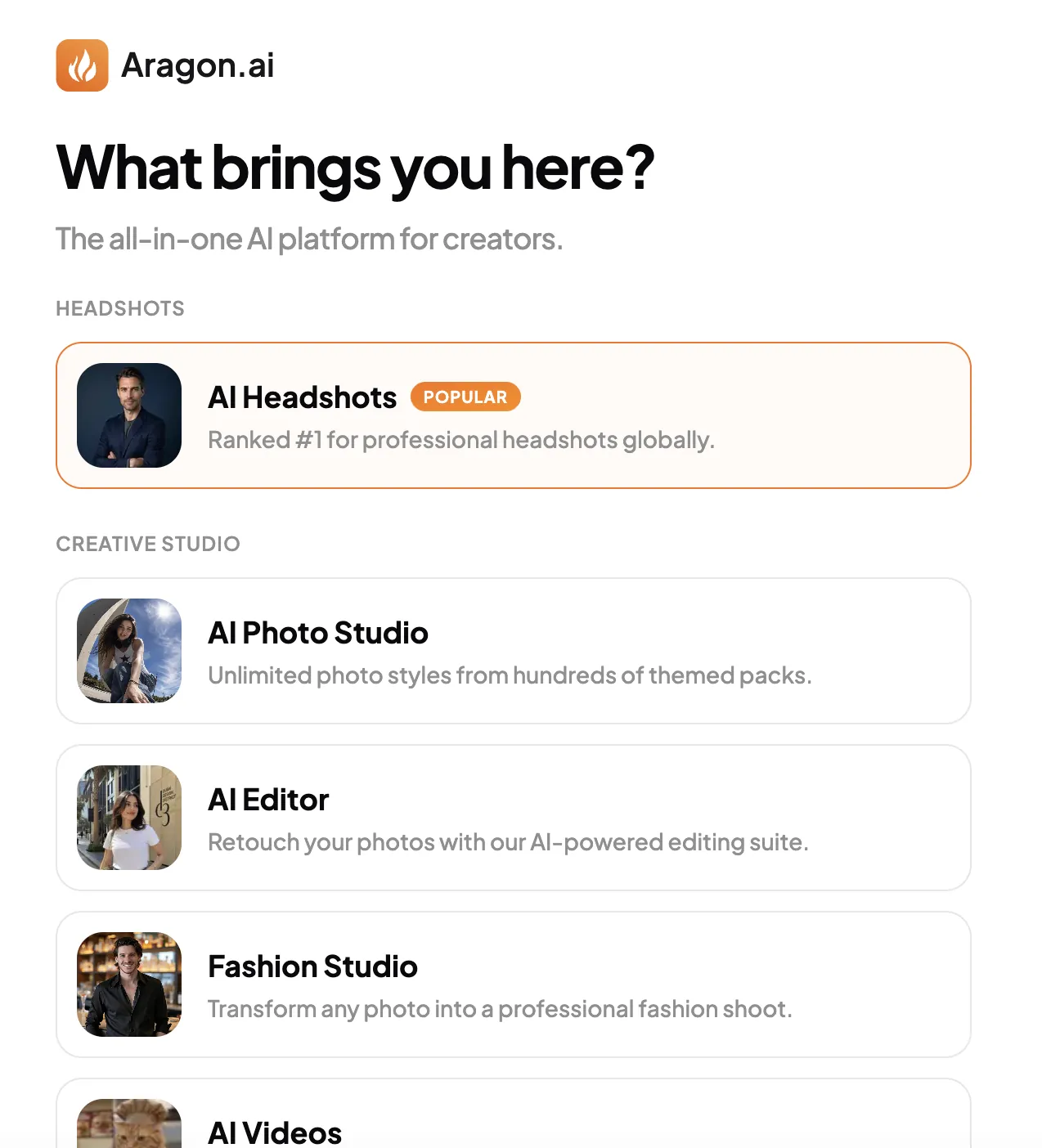
I only used the headshot part. The rest sits in the left sidebar of your account once you’re in (Cinema Studio, Ad Studio, Audio, even an MCP option), which tells you where the company is heading.
Signing up: a lot of questions before a single photo
This was the first surprise. Most headshot tools ask for your photos and then guess. Aragon asks about you first, one question per screen:
- Gender
- Age range (18–20 up to 65+). I picked 30–40.
- Hair colour
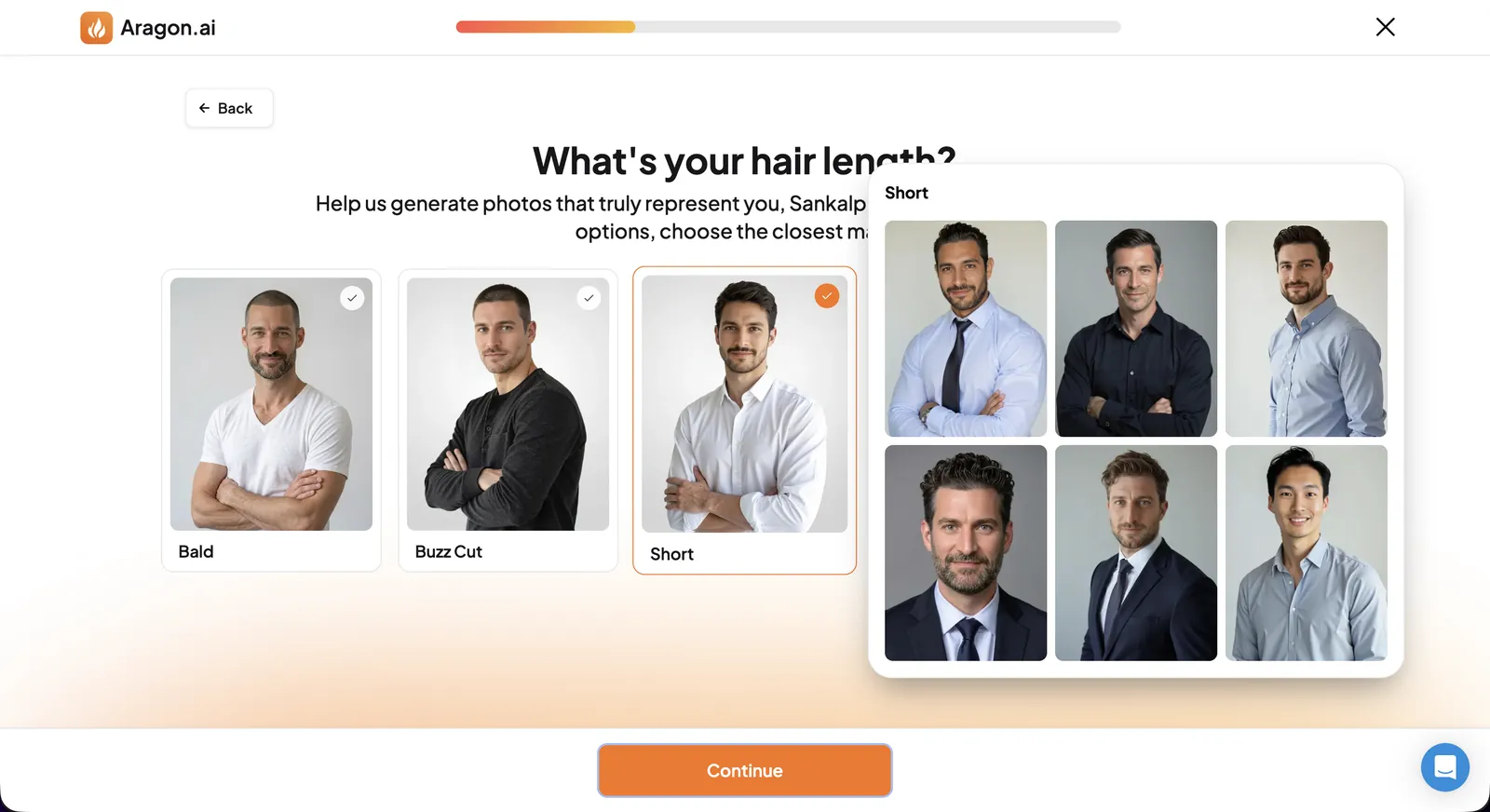
- Hair length, from bald to long
- Hair type: straight, wavy, curly or dreadlocks
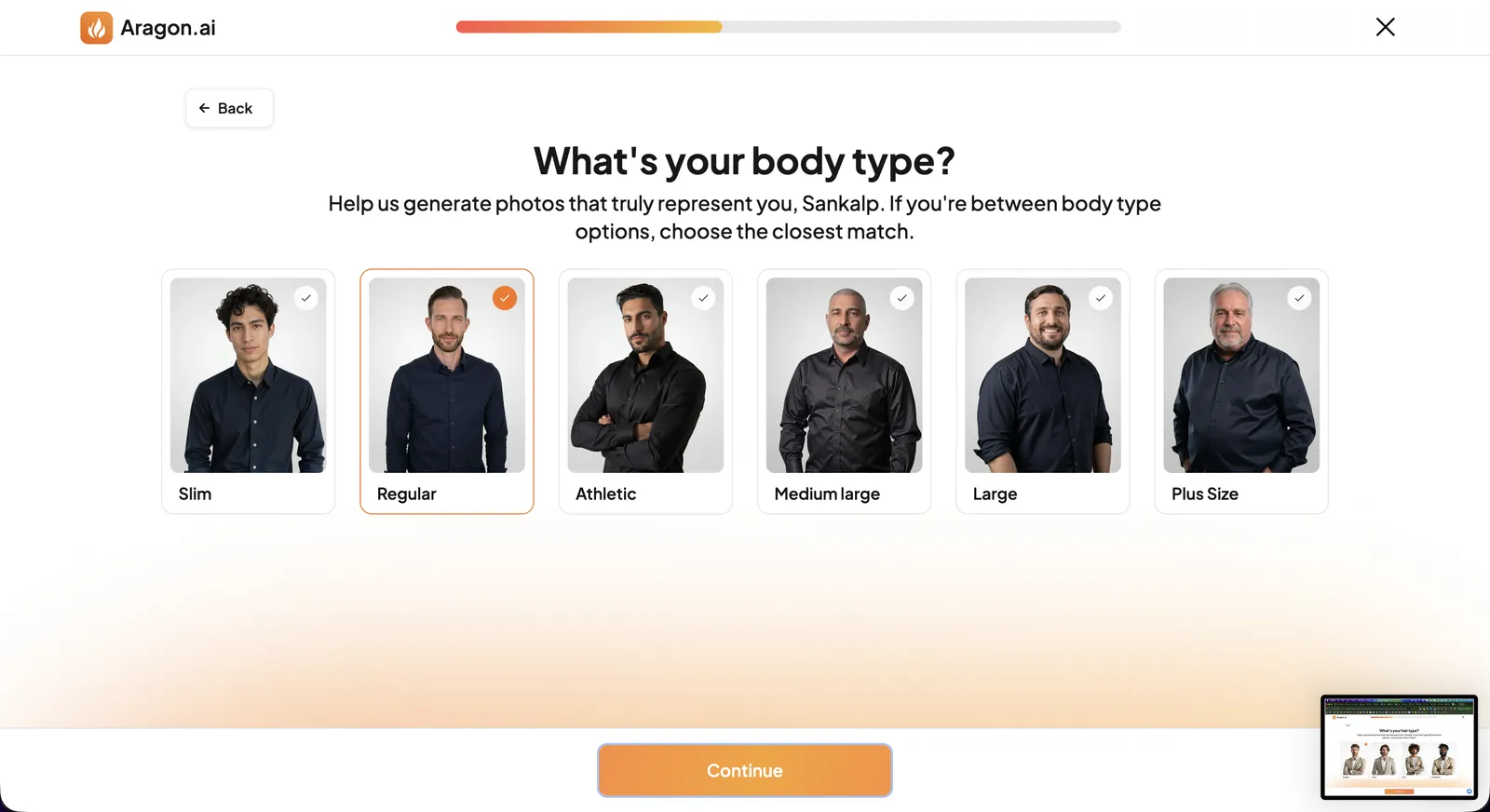
- Body type, from slim to plus size
- Glasses
- Attire
- Backgrounds
Some of these felt thoughtful. Telling it my body type and whether I wear glasses should, in theory, stop it guessing wrong. But a lot of them just took time, and by the fifth screen I was clicking through.
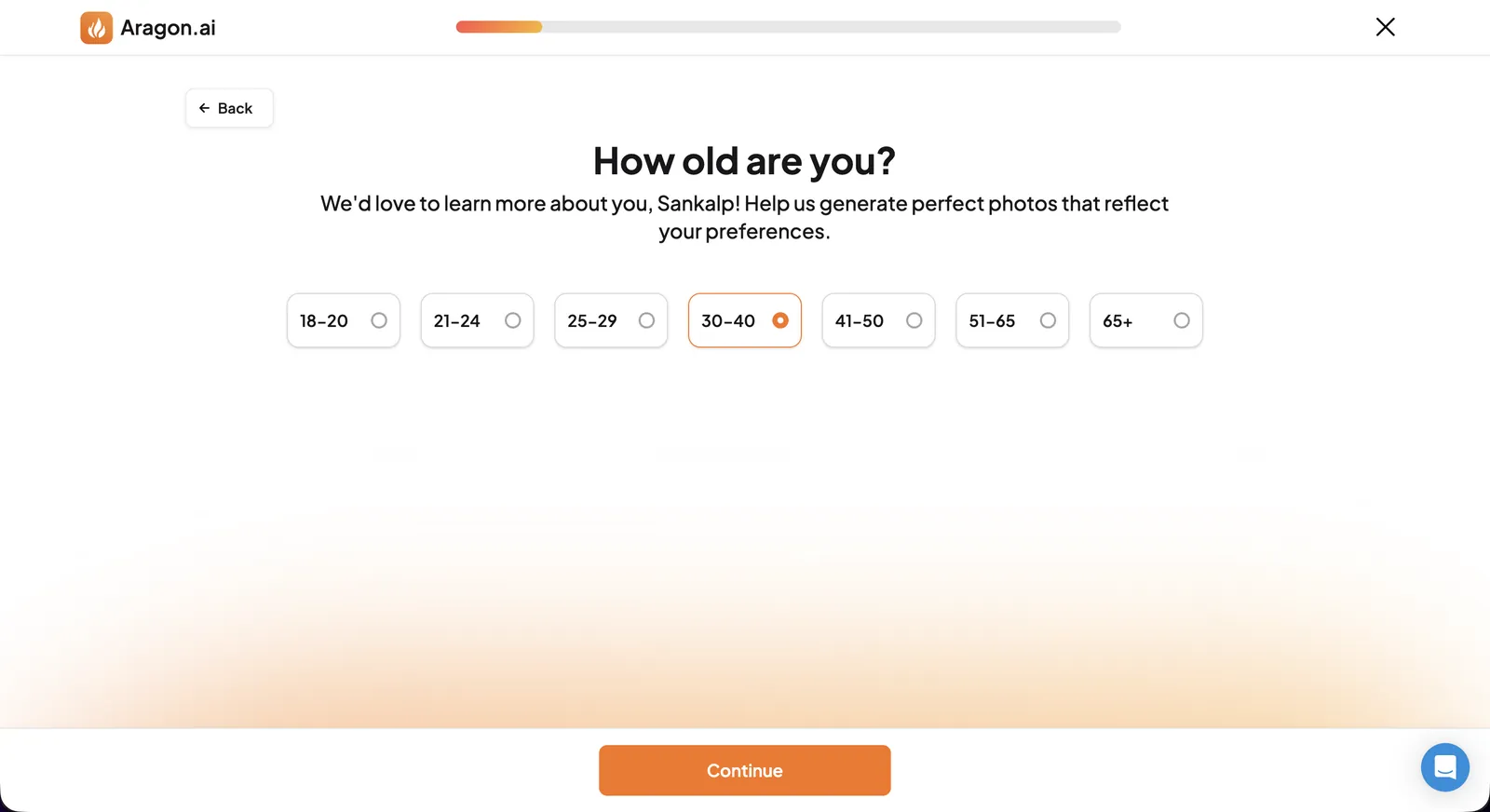
Hover over an option and it shows a grid of sample headshots for that choice, which helps when you’re between two hair lengths.
For attire there are three choices: Business Professional (suit and tie), Business Casual (blazers, long-sleeve shirts) and Smart Casual (sweaters, button-downs). For backgrounds there are four: City, Nature, Office and Studio. I went with Smart Casual on City and Nature backgrounds, because I wanted something I’d actually use on LinkedIn rather than a bank-brochure suit.
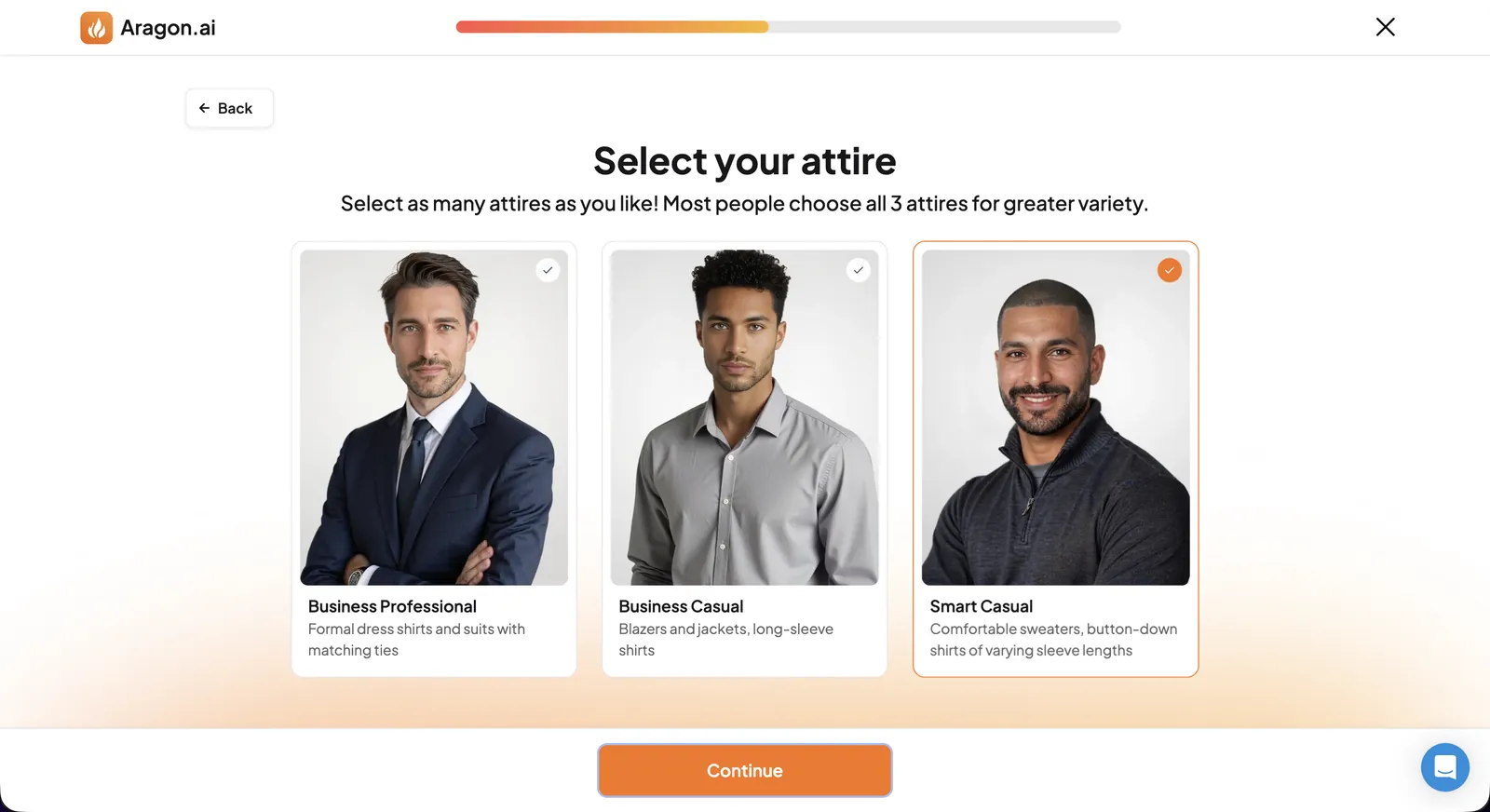
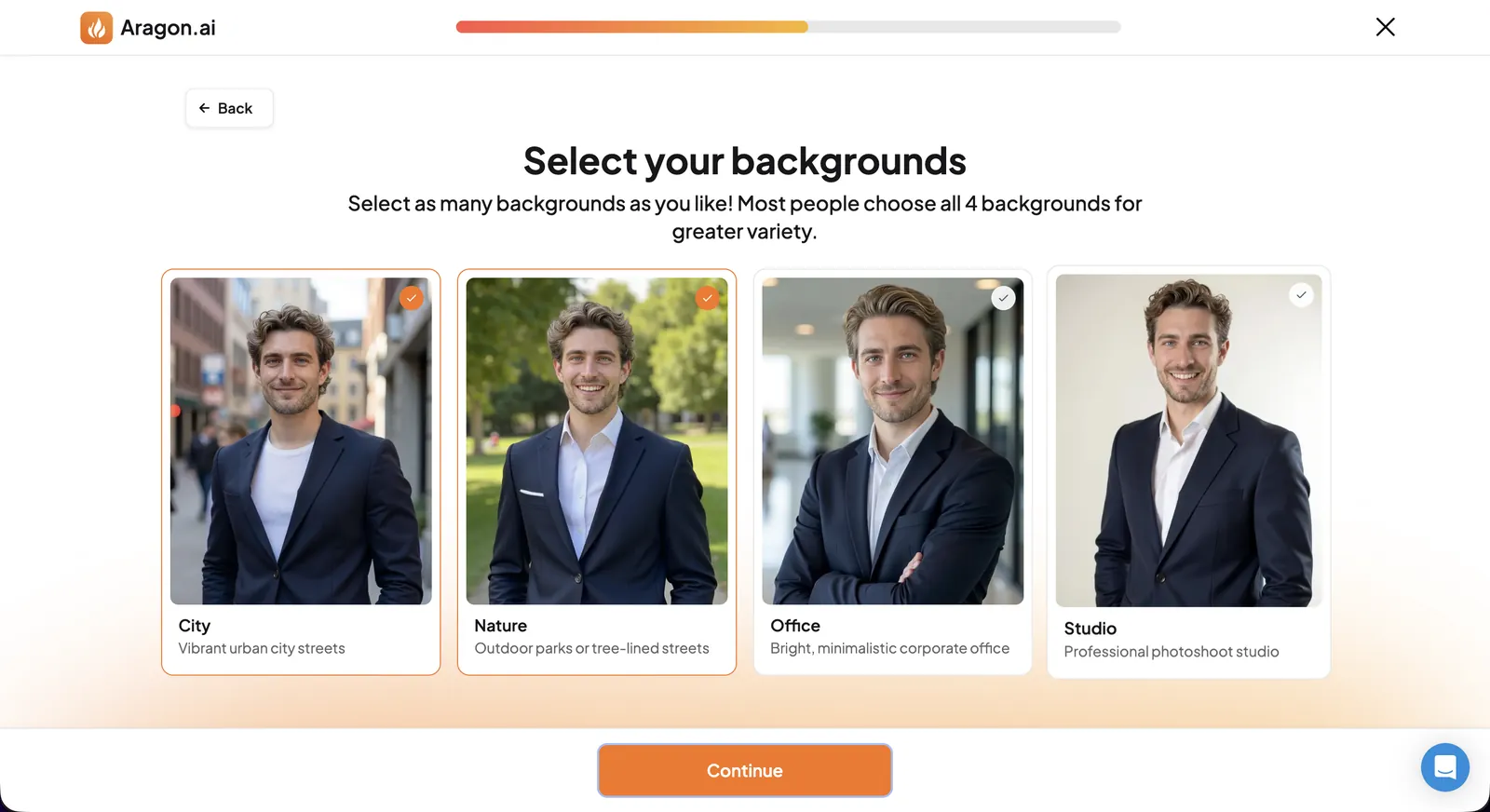
For glasses, I asked for a mix of shots with and without them. Keep that in mind for the results.
Uploading photos
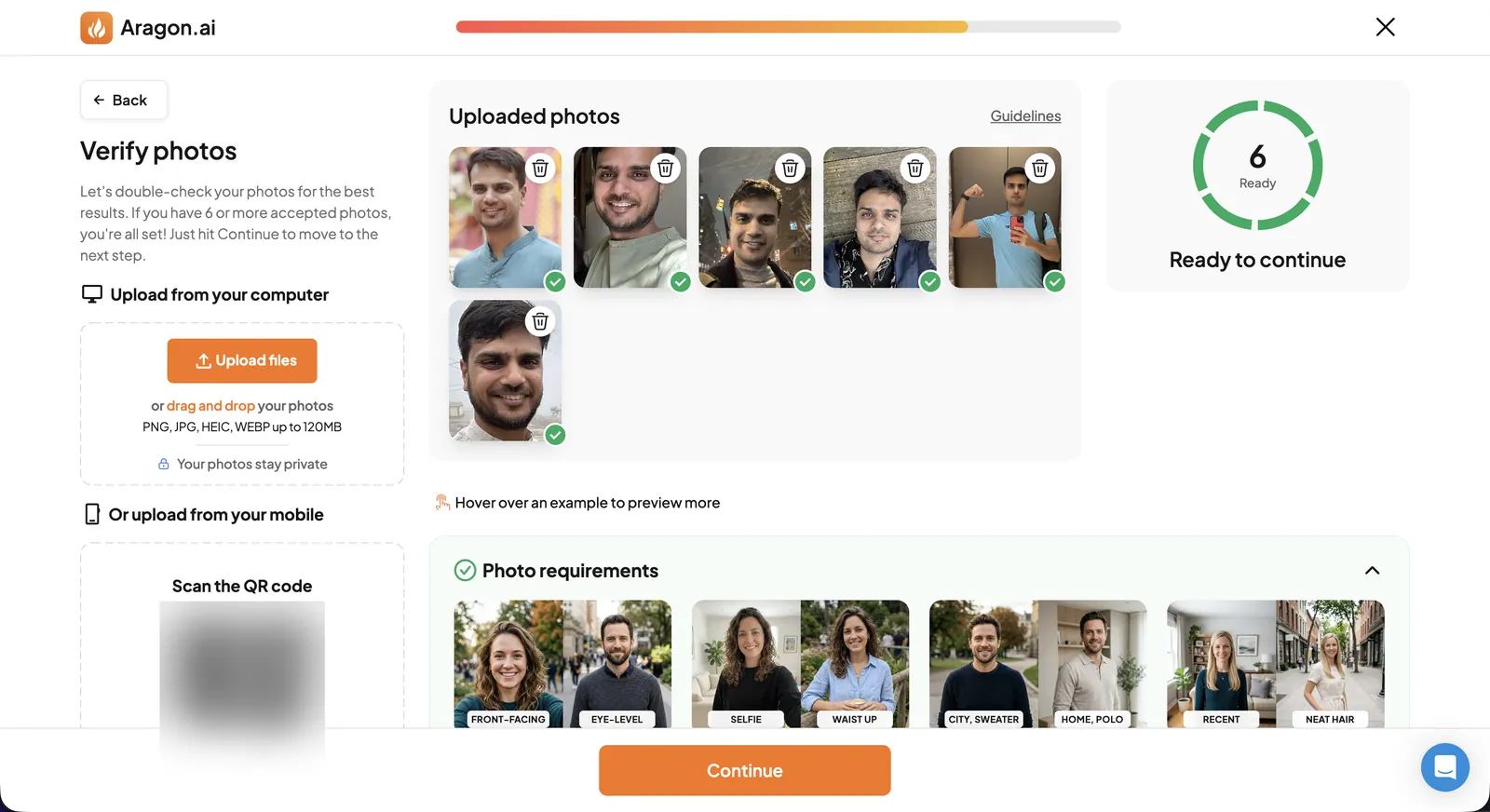
Aragon asks for 6 to 10 photos: a mix of selfies and mid-range shots, in good light, front-facing and recent, with your hair the way you usually wear it. It shows examples of what works and what doesn’t on the upload screen itself. You can upload from your computer or scan a QR code and send them from your phone.
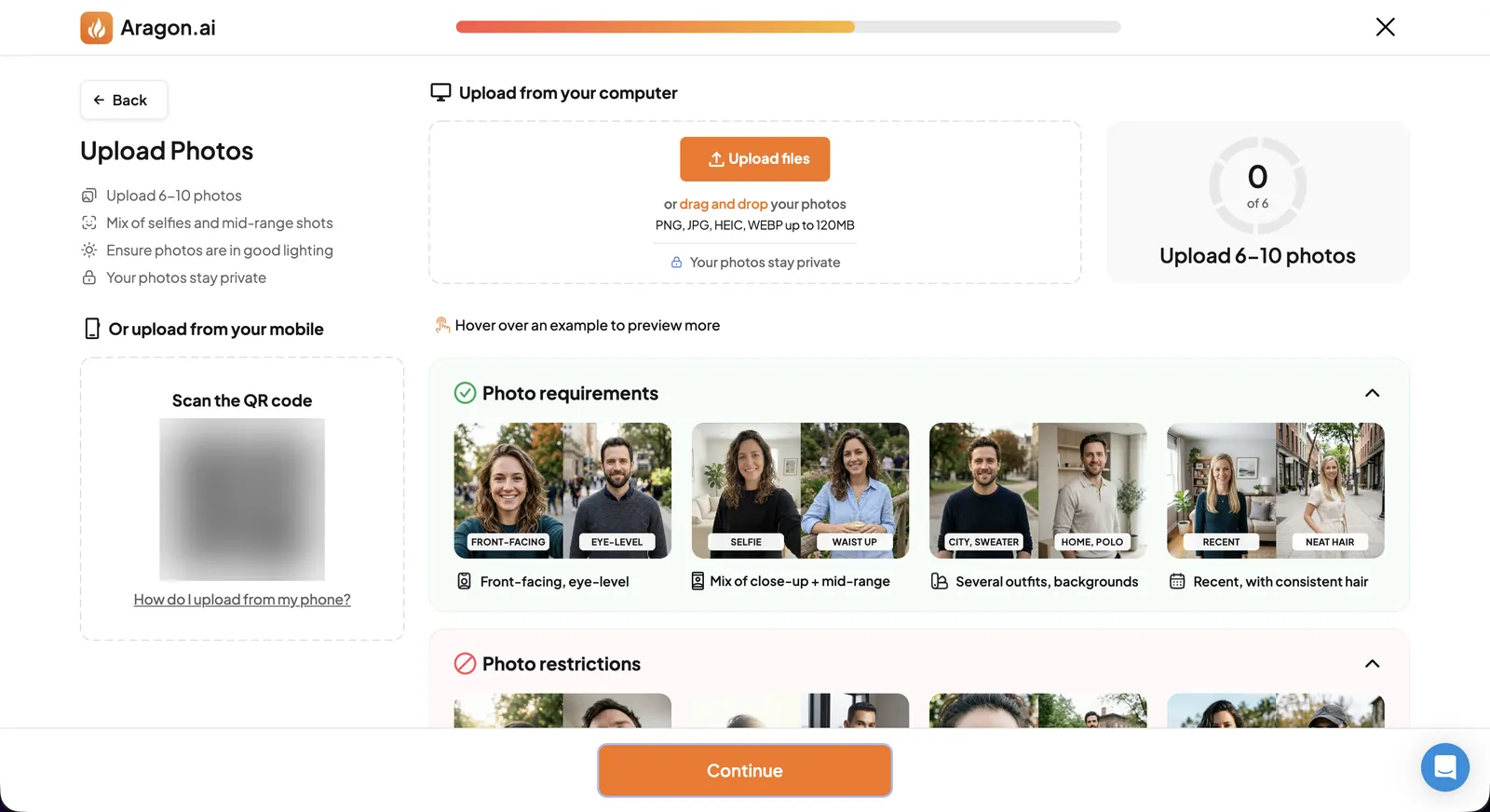
I uploaded the minimum, six: close selfies, a couple taken at night, and one mirror selfie at the gym.
Pricing, then more questions
Next comes the price. Aragon charges once per photoshoot, with no subscription for headshots. On 7 November 2026 it showed me three plans, each with a much higher price crossed out:
| Plan | Price I was shown | Crossed out | Headshots | Generation time | Attires and backgrounds | Resolution |
|---|---|---|---|---|---|---|
| Basic | $12 | $35 | 40 | 45 minutes | 1 attire, 1 background | Standard |
| Standard | $15 | $45 | 60 | 30 minutes | 2 attires, 2 backgrounds | Standard |
| Executive | $25 | $75 | 100 | 15 minutes | All | Enhanced |
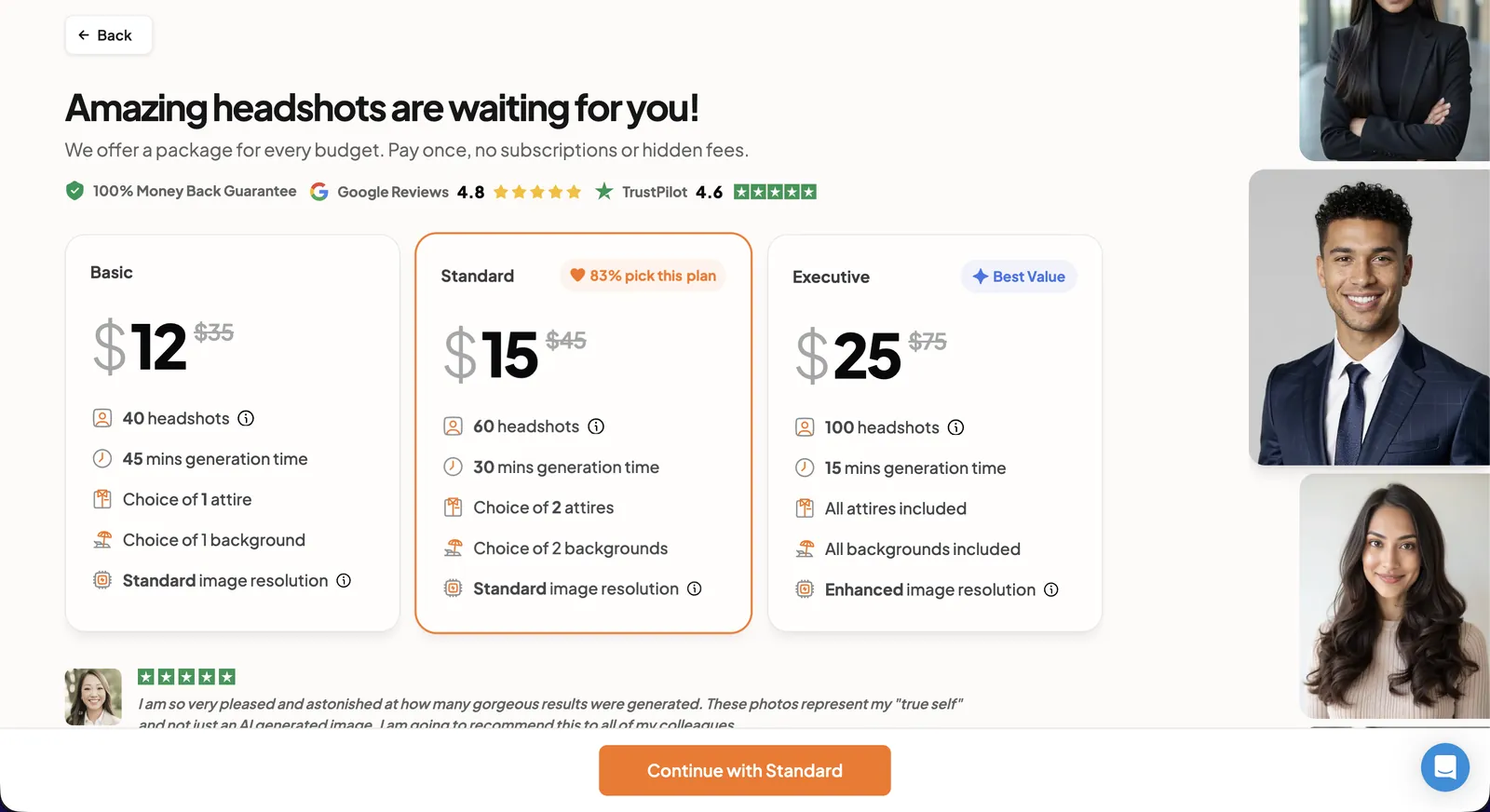
I paid for Standard, the plan the page says 83% of buyers pick. A week earlier, the public pricing page listed the same three plans at $35, $45 and $75 with a “20% off” banner. So the price depends on when you look, and possibly where from. Don’t pay the crossed-out price.
After paying, I was back to answering questions. First it checks each photo and puts a green tick on the ones it accepts. All six of mine passed.
Then a summary screen asks you to confirm everything, and adds a pose setting I hadn’t been asked about. Mine said “Relaxed Pose”.
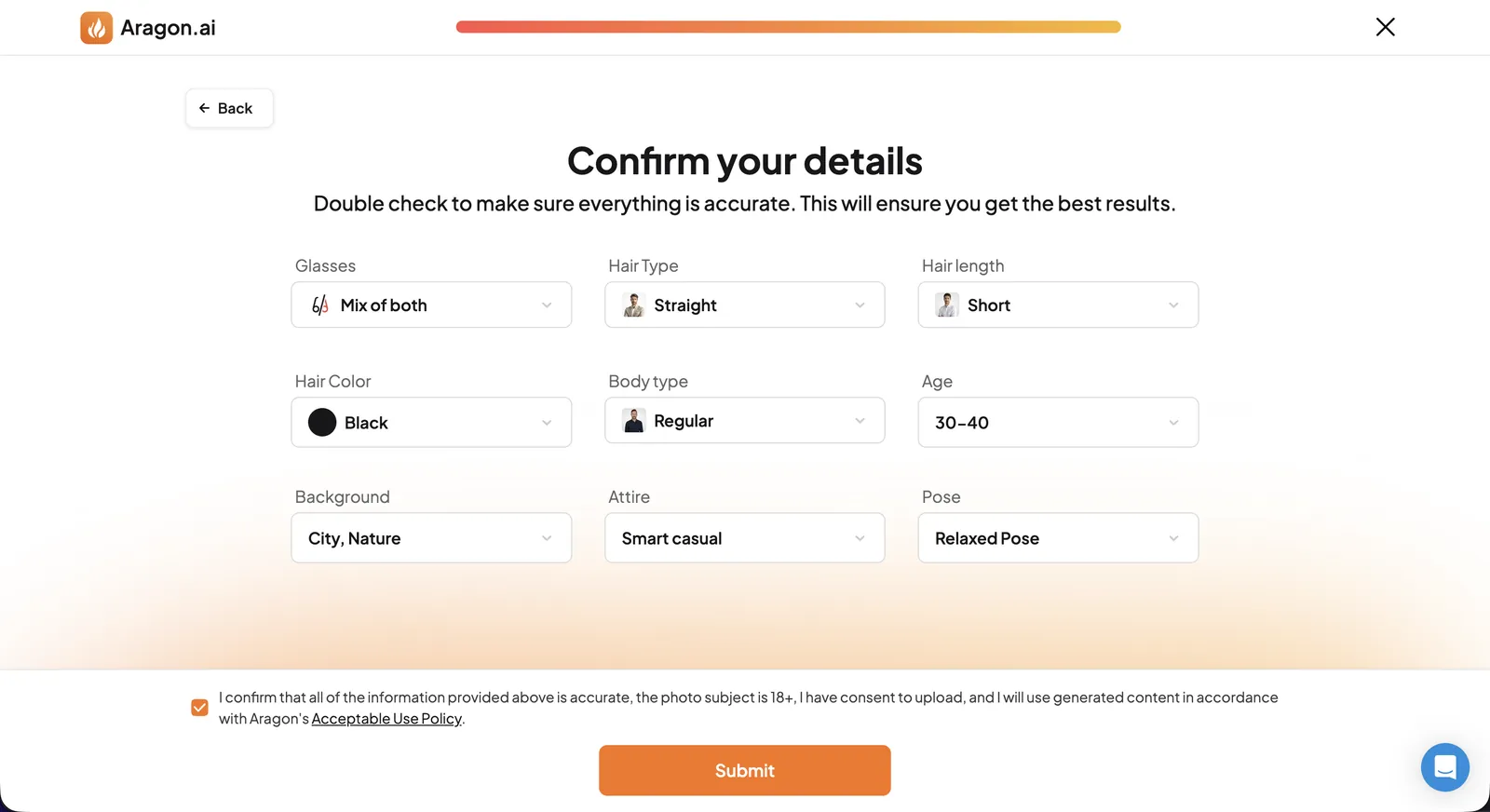
The order was odd: questions, upload, payment, then more checking and questions. I’d rather it asked everything up front, or checked my photos before taking my money.
The wait
I submitted at 1:32 am. The album was ready by 1:50 am, so 18 minutes, faster than the 30 minutes promised for Standard. It emails you when it’s done.
The results
The album opened with: “Bonus: we’ve upgraded you to the executive package for free!” So I got 100 headshots instead of 60, in Smart Casual outfits on park and city-street backgrounds.
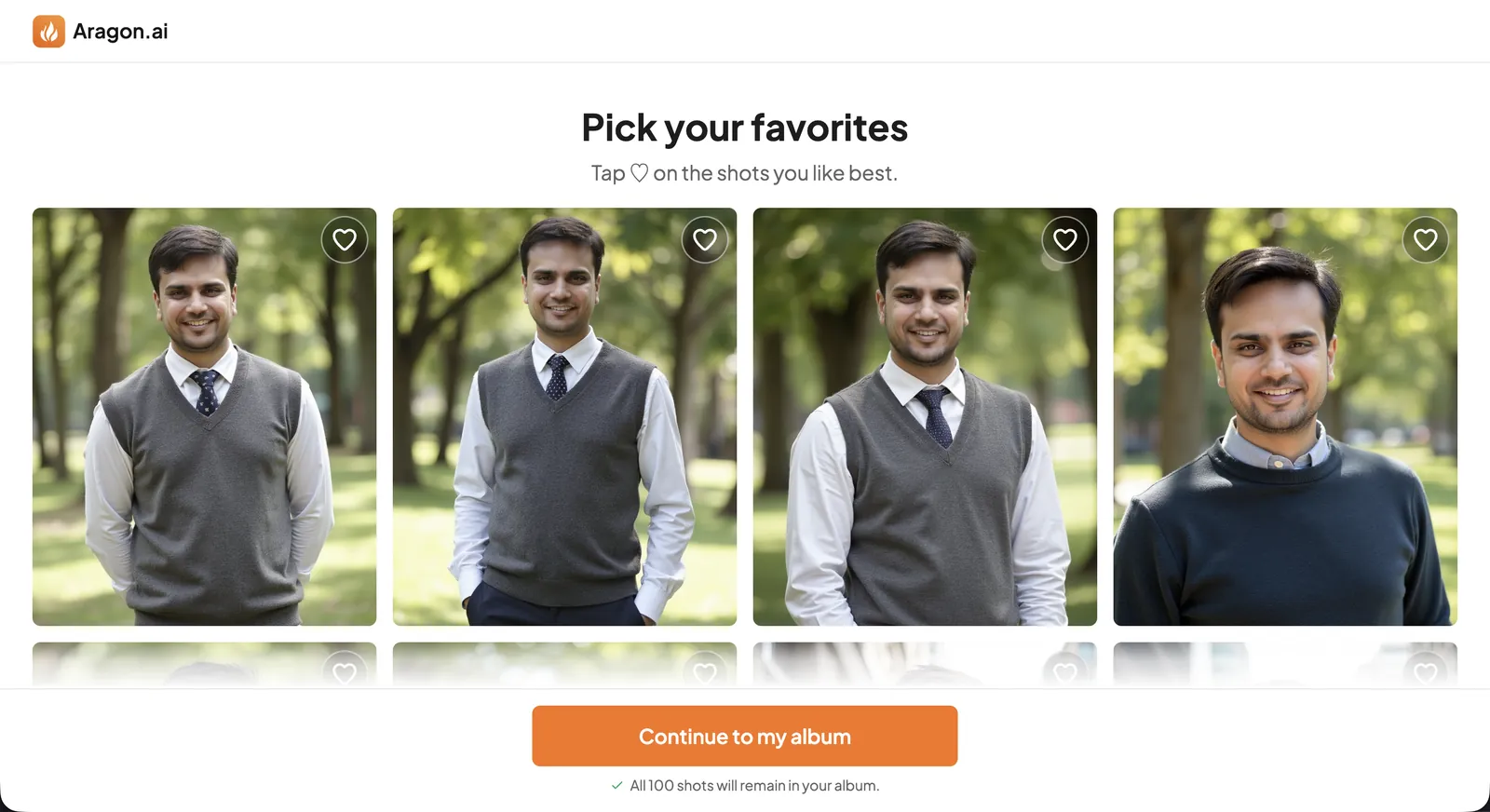
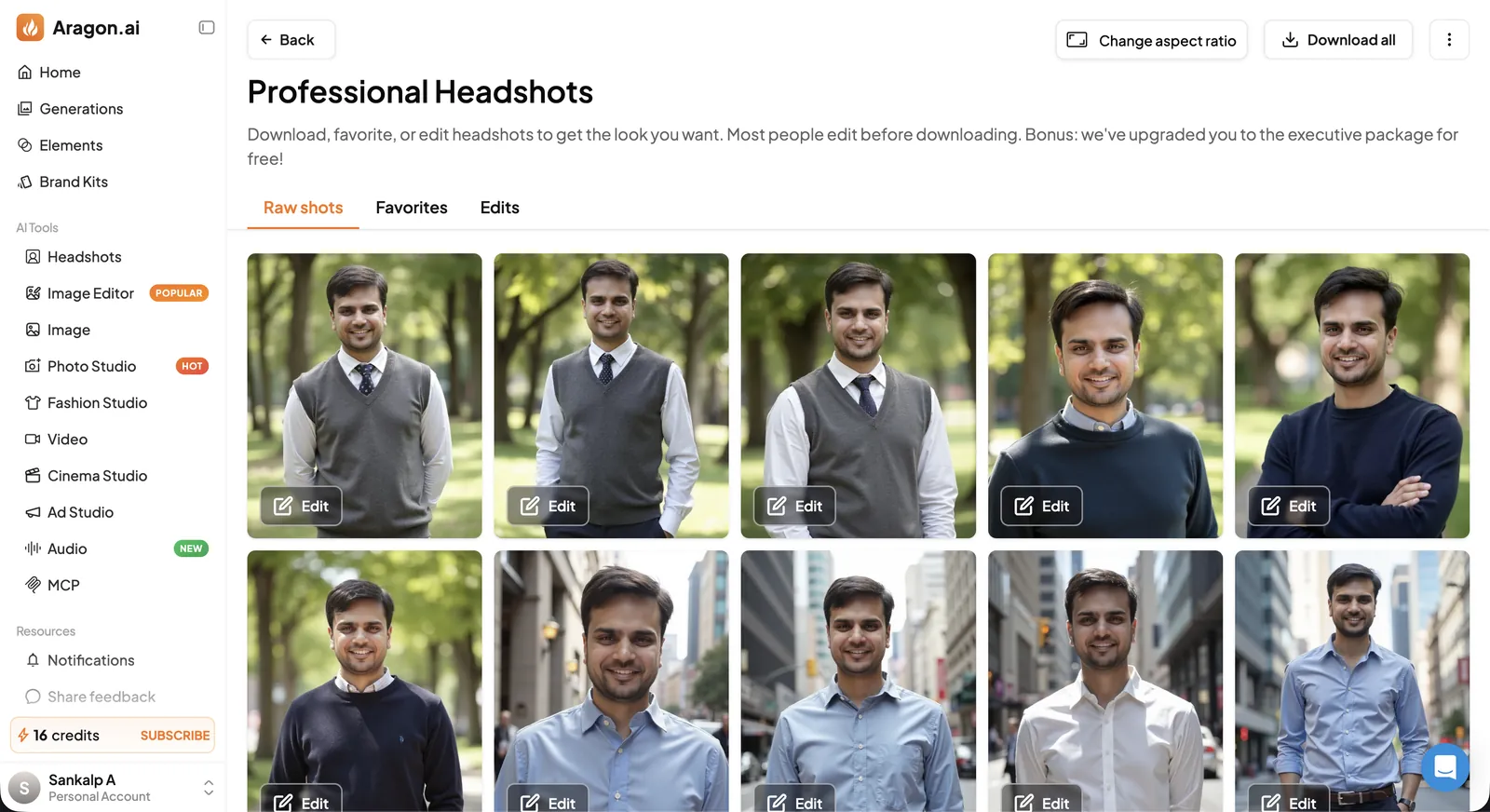
Here’s the honest count. In about a quarter of them, maybe fewer, the face was mine: something I could put up and say, yes, that’s me. Even in those, the body wasn’t. Telling it I’m “Regular” didn’t stop it from guessing a different build.
The glasses were worse. I’d asked for a mix with and without. Very few came back with glasses, and in every one that did, the face was badly off.
Out of 100, I liked one.
Editing: two edits, neither helped
Before you start downloading, Aragon offers to touch up three headshots for free. You pick what to fix: plastic skin, your smile, your hair or your body type.
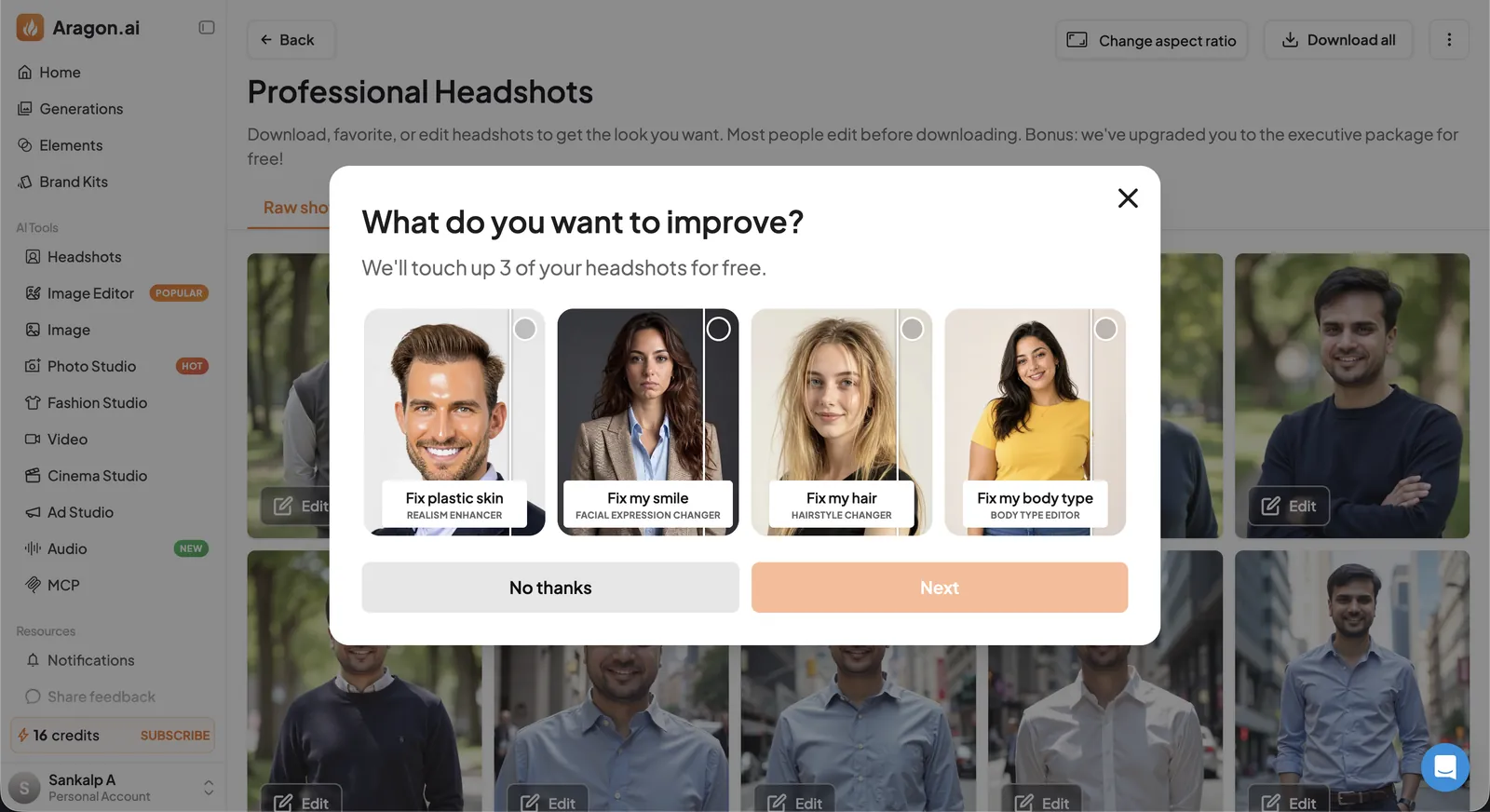
My account also had 16 credits, which is about two edits. I spent both on the one headshot I liked.
Edit 1: skin texture. The skin had almost no texture, and the facial hair looked obviously generated. I ran the Skin Texture Enhancer on it. It barely changed anything.
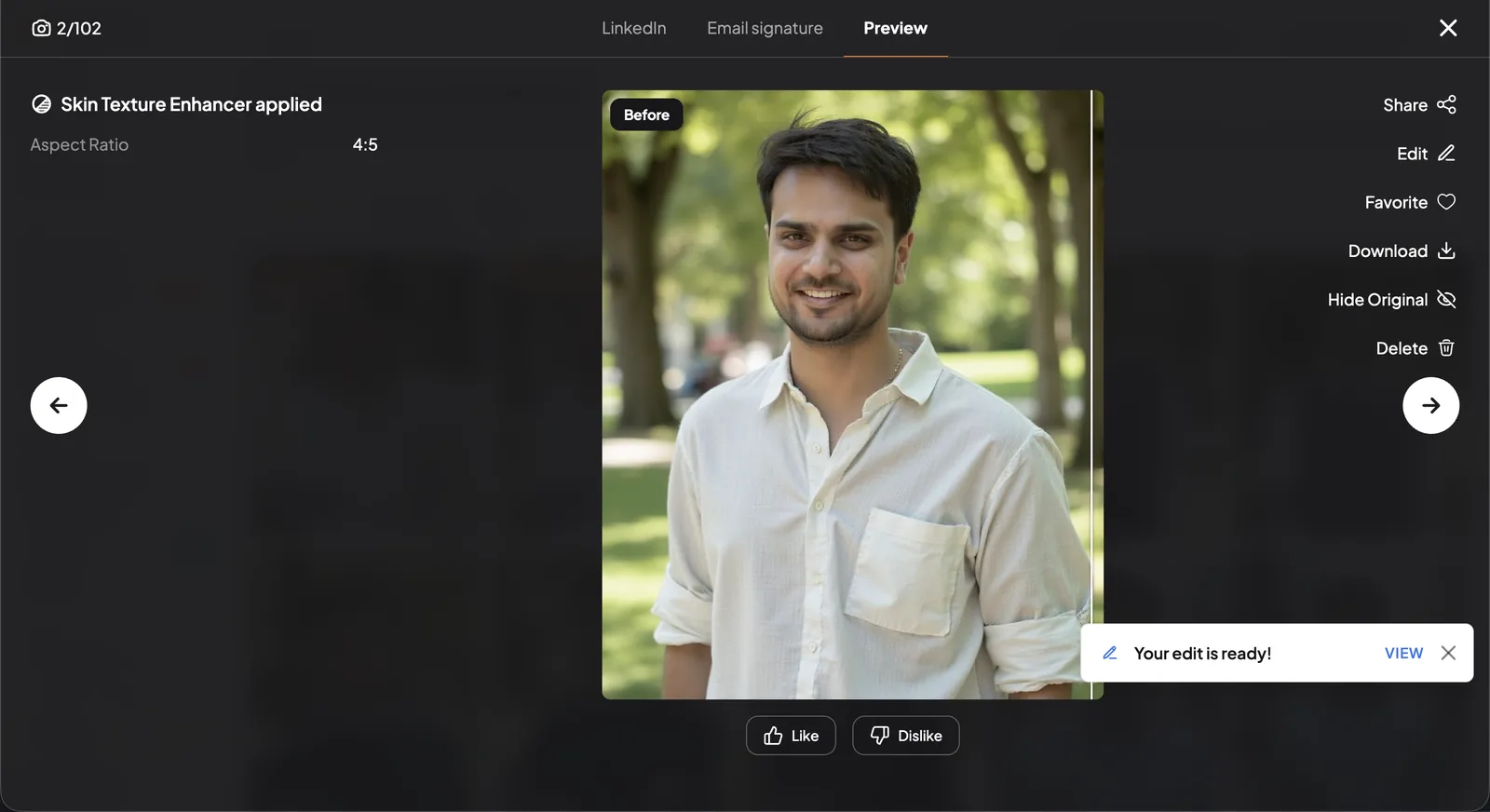
Edit 2: background. I gave it a photo of a café entrance to use as the background. It pasted me in front of it, and that was it. No change to the light on my face to match the scene, nothing to make it look like I was actually standing there.
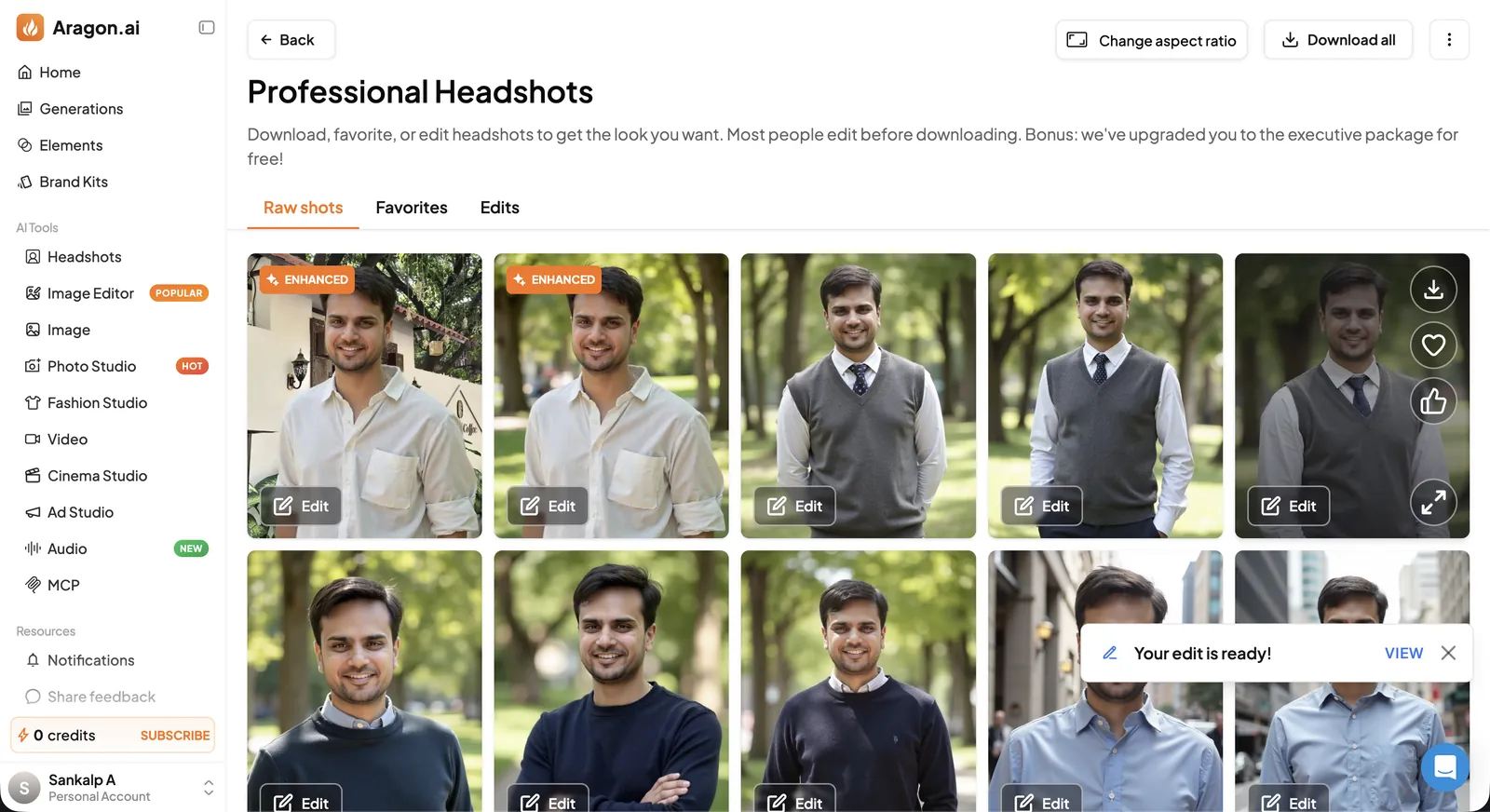
So the edits did nothing for me. That was disappointing, since “fix plastic skin” is the very first thing Aragon offers to fix.
What I liked
- It’s fast. 18 minutes from submitting to a full album.
- The photo checker. It tells you which uploads it accepts.
- Hover previews during sign-up show what each choice produces.
- A free upgrade from 60 to 100 headshots.
What I didn’t like
- Likeness. About a quarter had my face, the body was wrong even in those, and I kept one of 100.
- Glasses. Too few shots with glasses, and every one had a bad face.
- The edits. Skin texture barely changed. The background swap was a plain cut-and-paste.
- Too many questions, in an odd order. Questions, upload, payment, then more questions.
- Three attire options. That’s the whole wardrobe.
Refunds and privacy
If the headshots don’t look like you, Aragon offers a free redo or a full refund within 14 days of purchase. Downloading counts as using the product, so look through everything in the gallery before you download anything. The refund can be refused if your uploads didn’t follow its photo instructions.
The consent screen asks you to agree to Aragon “processing and retaining” your photos, as set out in sections 1 and 4 of its privacy policy. Read those before you upload if that matters to you.
Should you use Aragon?
Aragon is quick and cheap at the prices I was shown, and it hands you a lot of photos. If you only need one passable LinkedIn photo and don’t mind going through 100 to find it, it can get you there. If you care that it actually looks like you, I got far better results from Magic Studio with the same selfies: five or six usable from 50, against one from 100 here. It also lets you see everything before you pay. I wrote that up in my Magic Studio review.
FAQs
How much does Aragon cost? On 7 November 2026 I was shown $12 for 40 headshots, $15 for 60 and $25 for 100, against crossed-out prices of $35, $45 and $75. It’s a one-time payment per photoshoot. I paid for Standard.
How many photos does Aragon need? Six to ten: a mix of close-up selfies and mid-range shots, recent, front-facing, in good light.
How long does Aragon take? It promises 15 to 45 minutes depending on the plan. Mine took 18 minutes.
Do Aragon headshots look like you? For me, about a quarter had my face and fewer got my build right. I liked one of 100.
Can I get a refund from Aragon? Yes, within 14 days of purchase, if the photos don’t look like you and you haven’t downloaded them. It may offer a free redo first.